Ultimate Block Build Mobile Building Without Crooked Walls
The official kit is mobile friendly. Your first taps still need a plan.
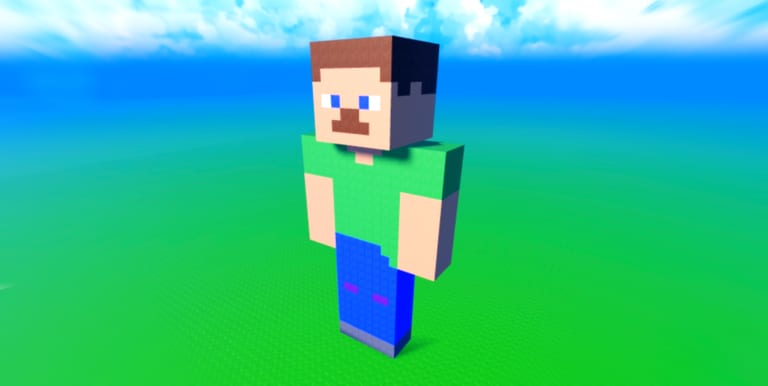
Kulebyak Community lists Ultimate Block Build as mobile friendly with precision move and rotate tools. That sentence is true and incomplete. The tools are exact. A phone in one hand on a bus is not. This page is the mobile half of controls. Read both if you switch devices.
Average playtime on the place is about thirteen minutes. Phone lock screens and app switches are how those minutes die. Treat every session as a short workshop: warm-up, one wall, Save Menu, then optionally a coin tick.
Set the device down
Rest the phone or tablet so both thumbs can work. Building with one thumb while the other holds the device is how ghost blocks sink into the grass. A lighter tap than a simulator game is enough. If the camera yanks when you place, zoom out one step and place from a flatter pitch.
Do a two-block stack before you start a roof. If the stack is clean, your input is calibrated. If it is not, fix grip and zoom before you spend a coin.
HUD cluster discipline
On a small screen, shop, save, and tools sit close. Open one panel at a time. Accidental tool swaps are common. Accidental shop buys are rarer because coins are slow, but an accidental Save Menu close after a rename is how people think slots vanished.
Find the Save control in the first minute, not the last. The how to save guide is device-agnostic; this page only adds the phone risk: locking the screen can disconnect you before the write finishes. Stay in the app for a few seconds after you confirm the slot.
Timers that matter on mobile
Like the experience, then stay toward twenty minutes if you want the free block. Thirteen-minute averages mean most phone players leave before that gift. Set a phone timer when you join if you care about the Like reward. Claim daily coins in the first minute so a disconnect does not waste the board.
The follow gift for Rogerbor is an account action you can do from the Roblox app before you even place a block. Steps sit on follow gift.
Fly Mode is optional in a pocket
Fly Mode helps roofs on a tiny screen because you can look down without scaffolding. It does not auto-align. If you skip the pass, build a temporary stair from free blocks, place the roof, delete the stair, save. That loop is slower and free.
Door Pack and Flower Pack still work on mobile. Place one door or one planter per session if your thumbs are tired. Build ideas lists diner and garden themes that finish inside a short visit.
Public servers in a pocket
Servers cap at fifteen. Another avatar can stand in your ghost block. Wait or walk around. Do not force a place into their character. Anti-grief is a setting; courtesy is the first tool. See VIP and anti-grief.
If a script overlay or a second floating GUI is stealing taps, close it. Vanilla controls are enough. The scripts hub has no dedicated loader for this place, and injecting one on a phone is a fast way to lose the account for a sandbox that pays one coin per ten minutes.
A mobile session checklist
- Charge or sit still so the app does not background.
- Join, claim daily coins, Like if you have not.
- Two-block stack, then a four-by-four pad.
- Save Menu, name the slot, wait a beat.
- One theme piece or one shop glance, then save again.
- Leave from the menu, not by locking the phone mid-write.
That list is the whole game on a phone. Precision tools reward calm thumbs. Packs reward a house that still loads tomorrow. There is still no promo code box to skip the wait. If a video teaches a different builder’s mobile HUD, ignore it — we will only embed a clip that names this exact experience.
When placement still feels cursed, reread Getting Started and confirm you are on place 133083514087477, not a title that only shares the word Block.
Frequently Asked Questions
Quick answers to the most common questions.
Is Ultimate Block Build good on mobile?
Yes. The official page calls it mobile friendly. Use two thumbs, a warm-up stack, and the Save Menu before you lock the phone.
Why do my mobile blocks look crooked?
Steep camera pitch and heavy taps. Zoom out, flatten the view, and nudge with move instead of replacing the whole wall.
Can I get the twenty-minute Like gift on a phone?
Yes, if you keep the app open. Average sessions are about thirteen minutes, so set a timer if you want that gift.
Do I need Fly Mode on mobile?
No. Scaffolding works. Fly Mode only makes roof inspection easier on a small screen.